01 / CONNECT
Get your API key.
Create an account and connect the Gmail account used for FamPay payment notifications.
Create a Fam Pay (FamPay) payment link, show a UPI QR, and know exactly when the money arrives. Eclipse Gateway gives Indian developers a simple path from checkout to confirmation — 100% Free Forever with 0% Transaction Fees.

Create an account and connect the Gmail account used for FamPay payment notifications.
Send a UPI ID and amount. The API returns an order ID, QR URL, and unique payable amount.
Use the order ID to check whether payment is pending, successful, or expired.
Verify clean exact amounts with atomic database locking, zero decimal changes needed.
Create a QR code for a UPI ID and the exact payable amount.
Use the built-in checkout page for a payment link when you need a ready UI.
Check an order and receive its pending, successful, or expired state.
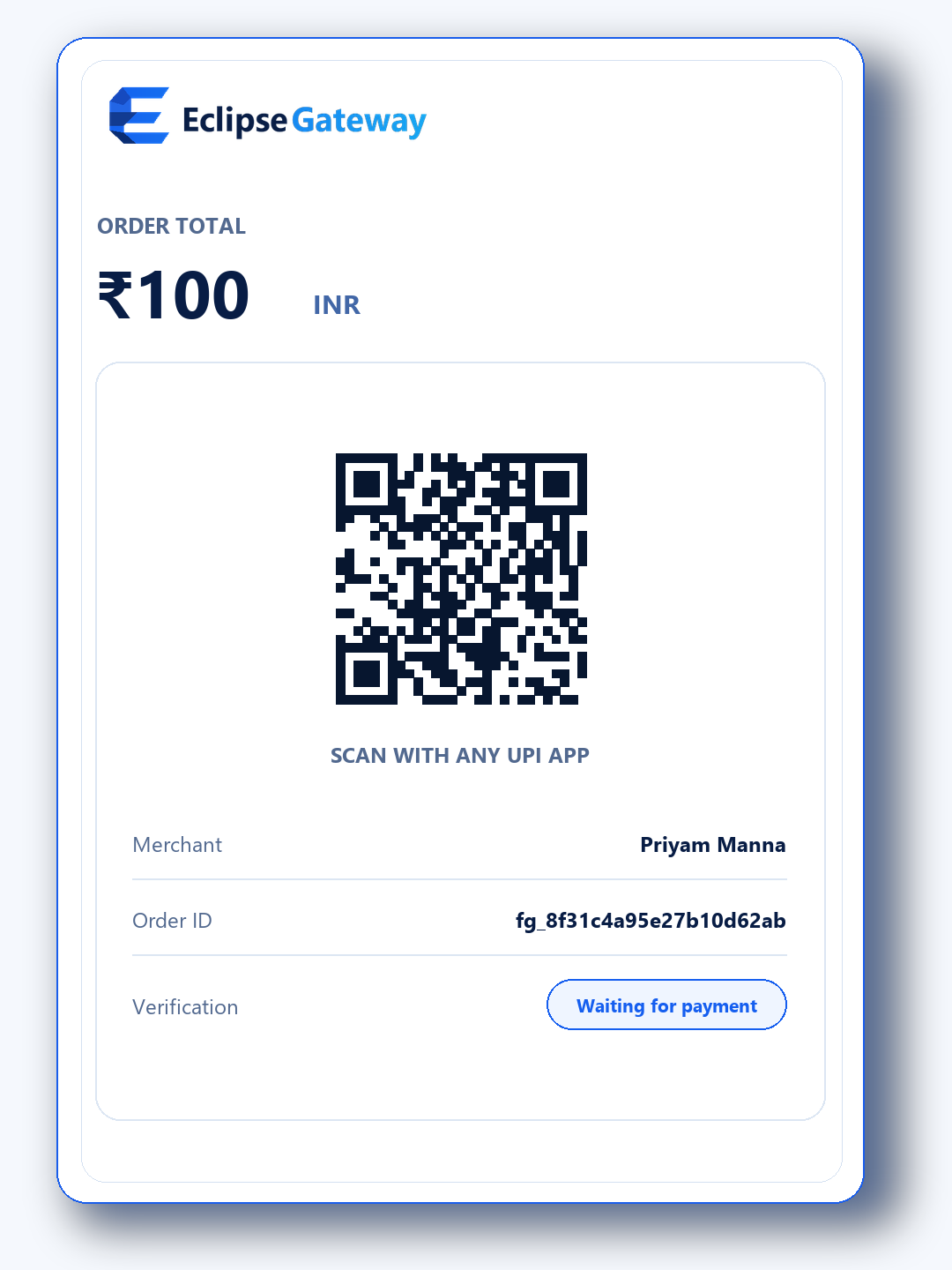
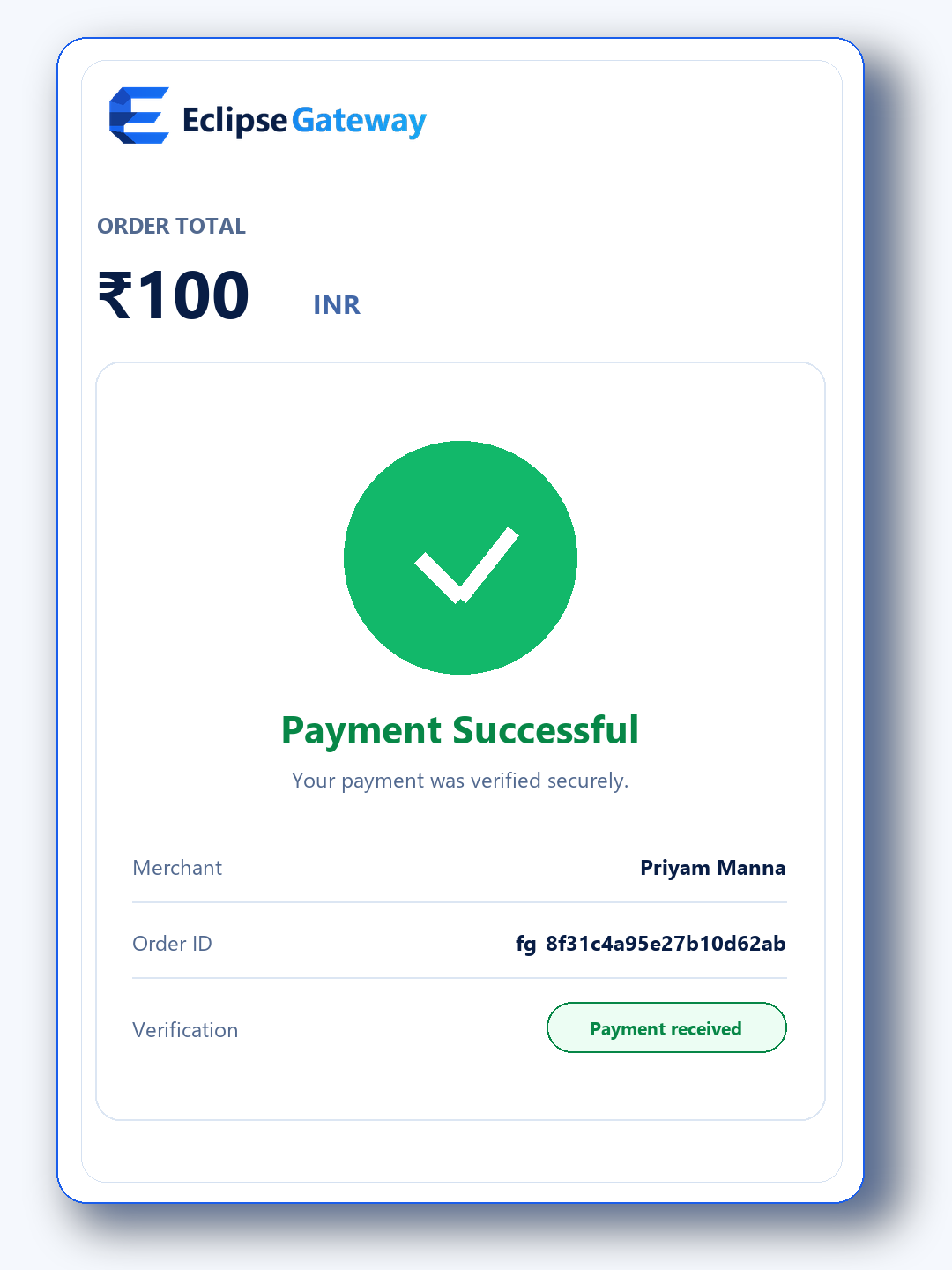
Everything you need to automate FamPay payments, without the headache of banking APIs, KYC, or monthly fees.
Connect a verified merchant account and create payment orders without a separate gateway onboarding flow. Merchants remain responsible for legal and tax compliance.
Money doesn't pass through our servers. It goes straight to your personal UPI ID instantly and securely.
The Free plan remains available with 0% gateway transaction fees. Optional paid plans increase usage limits.
Receive signed HTTPS callbacks after a payment receipt is verified. Delivery timing depends on email, network, and your webhook server.
Review the current database, receipt worker, webhook worker, and application health reported by the status page.
Building a payment flow can be tricky. Use support to report integration issues and include the affected order ID without sharing passwords or API keys.
Create the order from your server, open the returned checkout URL, and verify the final status before delivering the product.
POST /api/create-order.php + X-Api-KeyReturns the order ID, amount, expiry, checkout URL, QR URL and UPI intent.
GET /api/verify-order.php?order_id=ORDER_ID + X-Api-KeyYour backend reads order_status. Fulfill once only after success and an amount match.
GET /api/verify-order.php?order_id=ORDER_IDThe hosted checkout polls this status response every 1.5 seconds without exposing your API key.
{
  "status": "success",
  "order_status": "success",
  "order_id": "fg_0123456789abcdefabcd",
  "data": {"status":"success","amount":499,"utr":"420987654321"}
}Verify the raw request body with HMAC-SHA256 and your secret key. Process only payment.success, store the order ID, and ignore duplicate events.
Your application calls Eclipse Gateway with its API key. The gateway creates a unique order and payable amount.
The hosted checkout displays the FamPay UPI QR. Payment goes directly to the configured merchant UPI account.
The verified Gmail integration reads payment notifications and matches amount, reference and order validity.
Your server checks the signed result or webhook, confirms the stored order mapping and fulfils the order once.
Never place API or secret keys in JavaScript, screenshots, public repositories or browser URLs outside the documented server endpoint.
Match the returned order ID, expected amount and customer record in your database before granting access.
Use the order ID as an idempotency key. A repeated webhook or status response must not deliver the same product twice.
Do not round or replace the returned amount. Exact amount and order-reference matching prevents incorrect fulfillment.
Use Eclipse Gateway only for lawful payments. You remain responsible for your products, customers, refunds, taxes, account security and compliance. Service availability and third-party notification delivery can vary.
Eclipse Gateway stores merchant account, integration, order and operational data required to provide the service. Protect API credentials and avoid sending unnecessary personal data in order notes.
Eclipse Gateway staff will never ask for your password, Authenticator code, recovery code or Gmail app password through chat. Enter credentials only on your own verified website.
Every plan keeps 0% transaction fees. Paid subscriptions are collected through Eclipse Gateway's own verified payment API and activate automatically after payment confirmation.
₹0 billed yearly
₹2,490 billed yearly
₹5,990 billed yearly